HiLook Recorder Local Interface
Local GUI Operation
HiLook recorders have a capable, straightforward local interface — plug in a monitor and mouse and you are working. The main menu mirrors the web interface closely, so switching between the two takes no relearning. The features fall into four main areas.
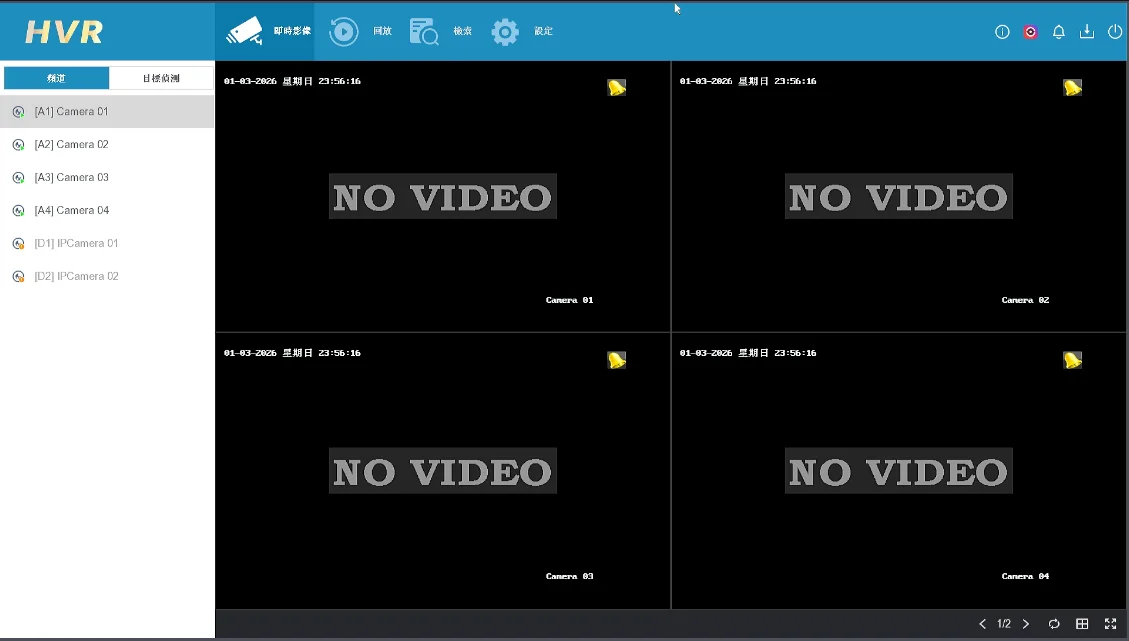
Live view
Flexible viewing layouts to suit different sites.
- Layout options: full screen, or 4-pane, 9-pane and other splits depending on channel count.
- Custom views: arrange the panes however suits the site.
Screenshots show the Chinese-language build of the software.
Smart playback
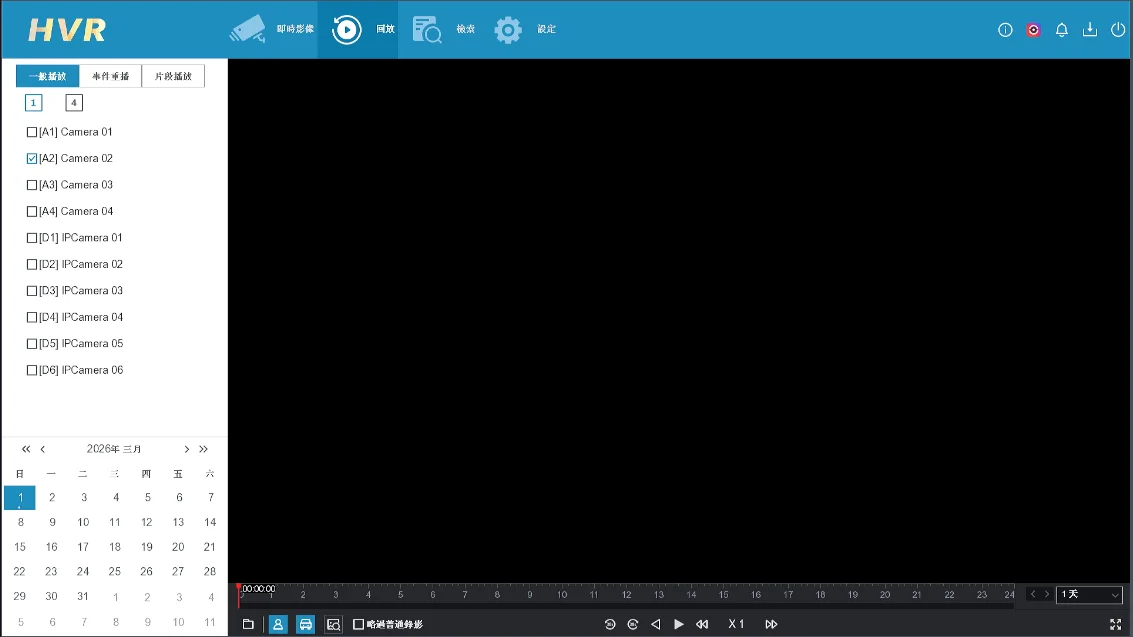
More than pulling up footage — smart classification saves you time.
- Fast search: specify a channel and date to pull up the recordings.
- Human and vehicle events: AcuSense marks the clips containing people or vehicles so you can skip the rest.
- Smart search: select a region or a target in the image and search the recordings for it.
Screenshots show the Chinese-language build of the software.
Search
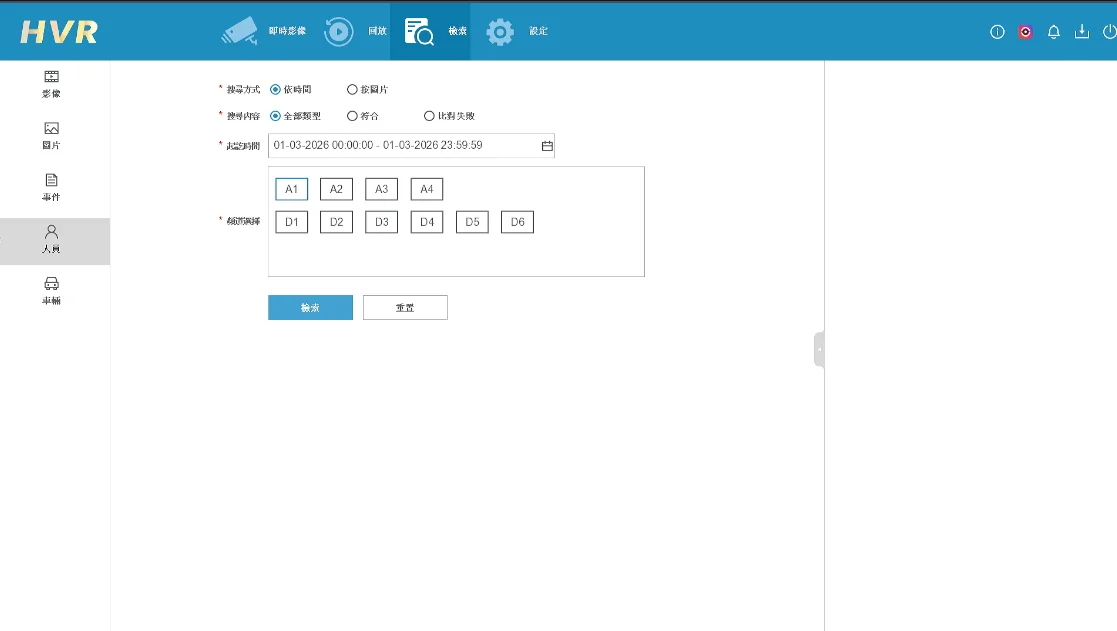
Dig into specific events or targets, and back them up.
- Filters: search by channel, time, person or vehicle.
- Event list: results come back as a list you can scan quickly.
- Face search: on supported models, match against the face database.
Screenshots show the Chinese-language build of the software.
Configuration
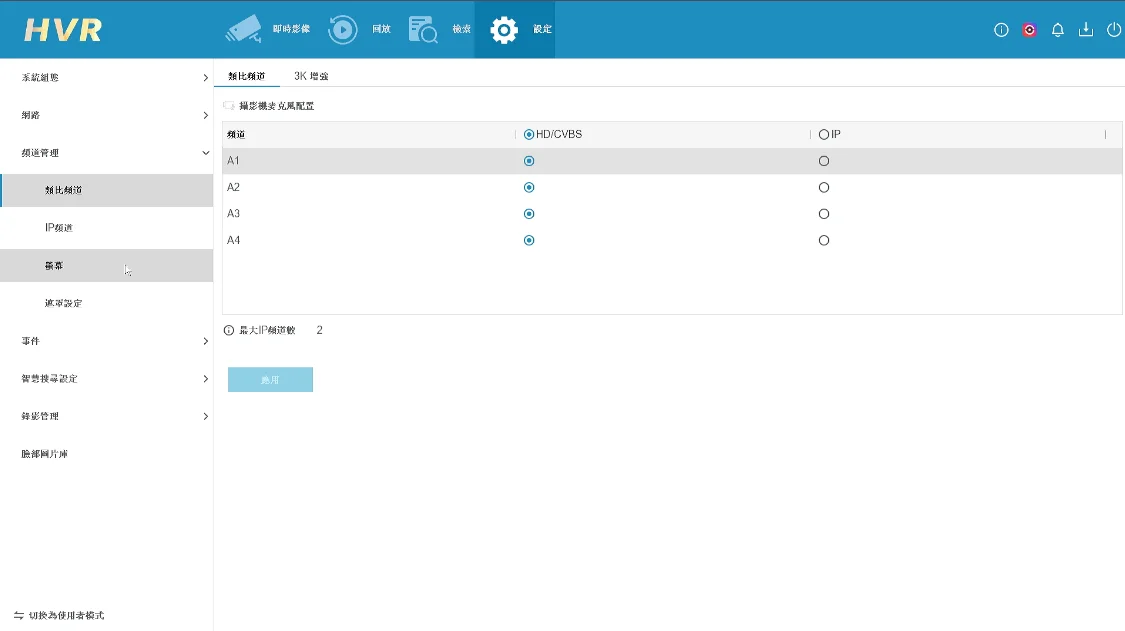
A detailed settings area split into an installer mode and a user mode for different levels of access.
- Recording parameters: resolution, frame rate and recording schedules in detail.
- Device management: handle the local BNC coaxial inputs, and add IP cameras to extend coverage.
- AI protection: facial recognition with imported face libraries and allow/block lists, plus perimeter protection with virtual fences, line crossing and intrusion rules.
- Two-way audio: configure and use it here on cameras that support it.
Screenshots show the Chinese-language build of the software.
Why use this tool?
- Two modes: installer mode for full configuration, user mode for day-to-day operation.
- A built-in AI engine brings facial recognition and perimeter protection to ordinary cameras.
- Consistent with the web interface, so there is very little to relearn.
Need more help?
For technical questions or further support, get in touch with our team