HiLook Recorder Web Interface
Web Interface & Configuration
HiLook recorders ship with a capable, easy-to-use browser interface — there is no extra software to install. It works with all mainstream browsers including IE, Edge and Chromium-based browsers, and the layout is straightforward to navigate.
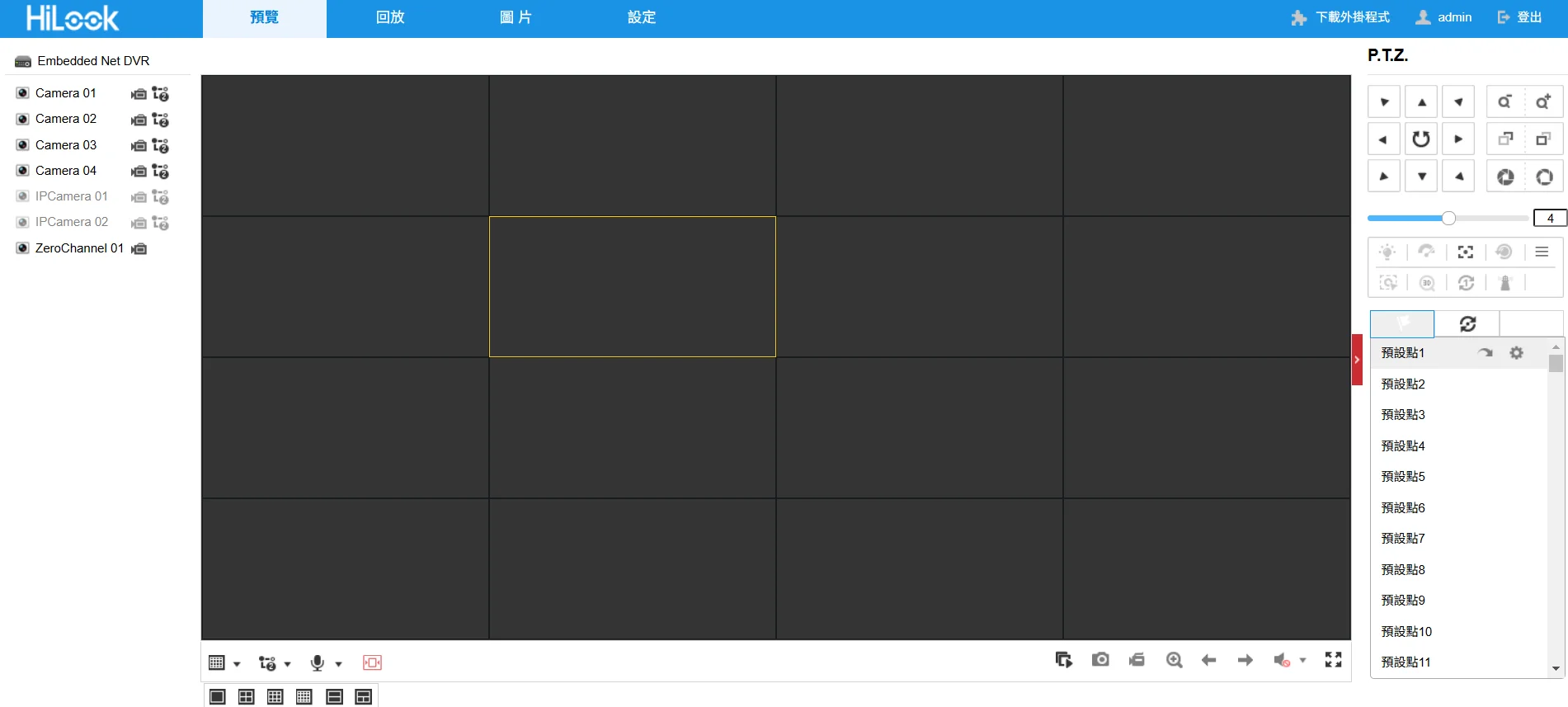
Live view
Flexible viewing layouts for different sites.
- Split screen: full screen, or split by channel count (4, 8 or 16 panes).
- Quick switching: expand a single camera, or cycle through them automatically.
Screenshots show the Chinese-language build of the software.
Smart playback
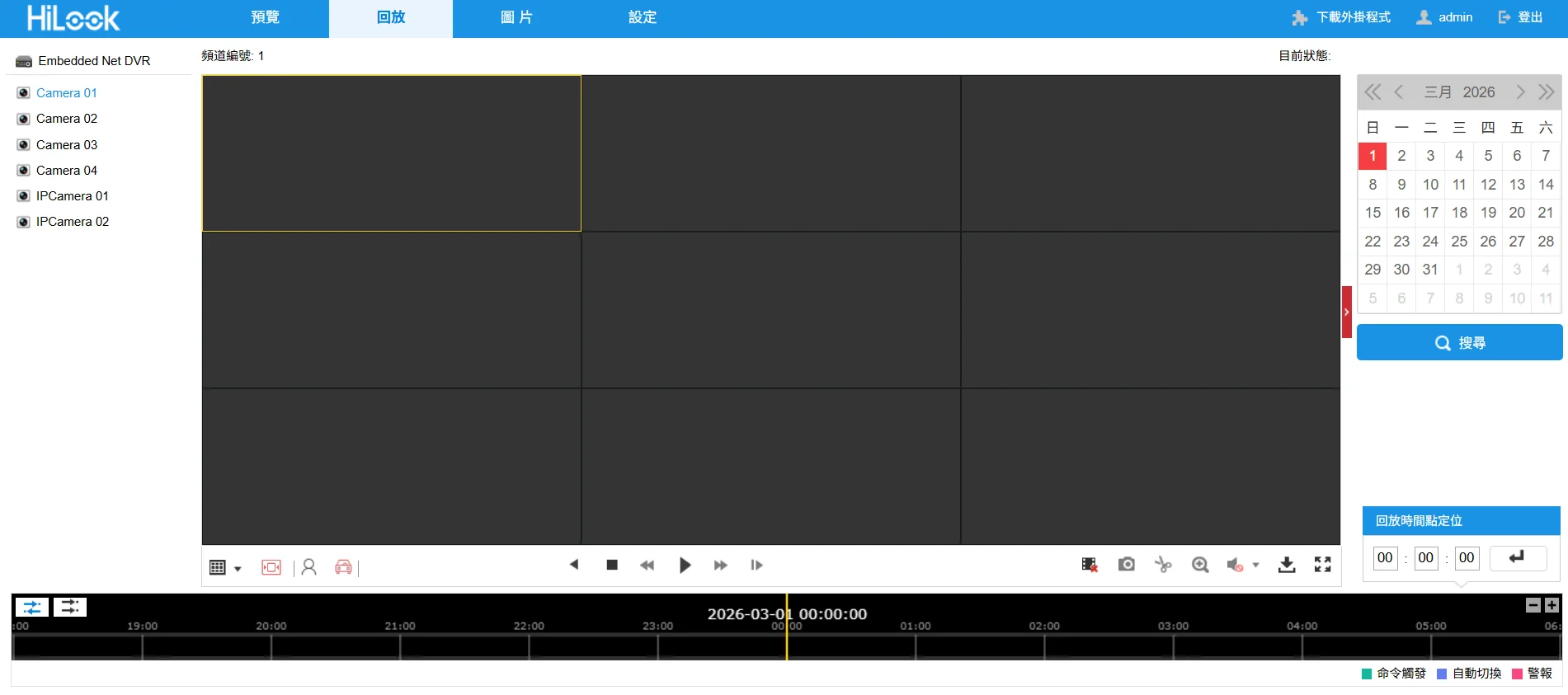
More than pulling up footage — AI helps you find the moment that matters.
- Fast search: pick a channel and a date to pull up the footage you need.
- Human and vehicle filtering (AcuSense): HiLook AcuSense sorts events into people and vehicles so you can skip the empty footage.
- Smart search: draw a box on the image and the recorder returns only the clips where something changed inside it.
- Search by image: match a specific target across the recordings.
Screenshots show the Chinese-language build of the software.
Backup and export
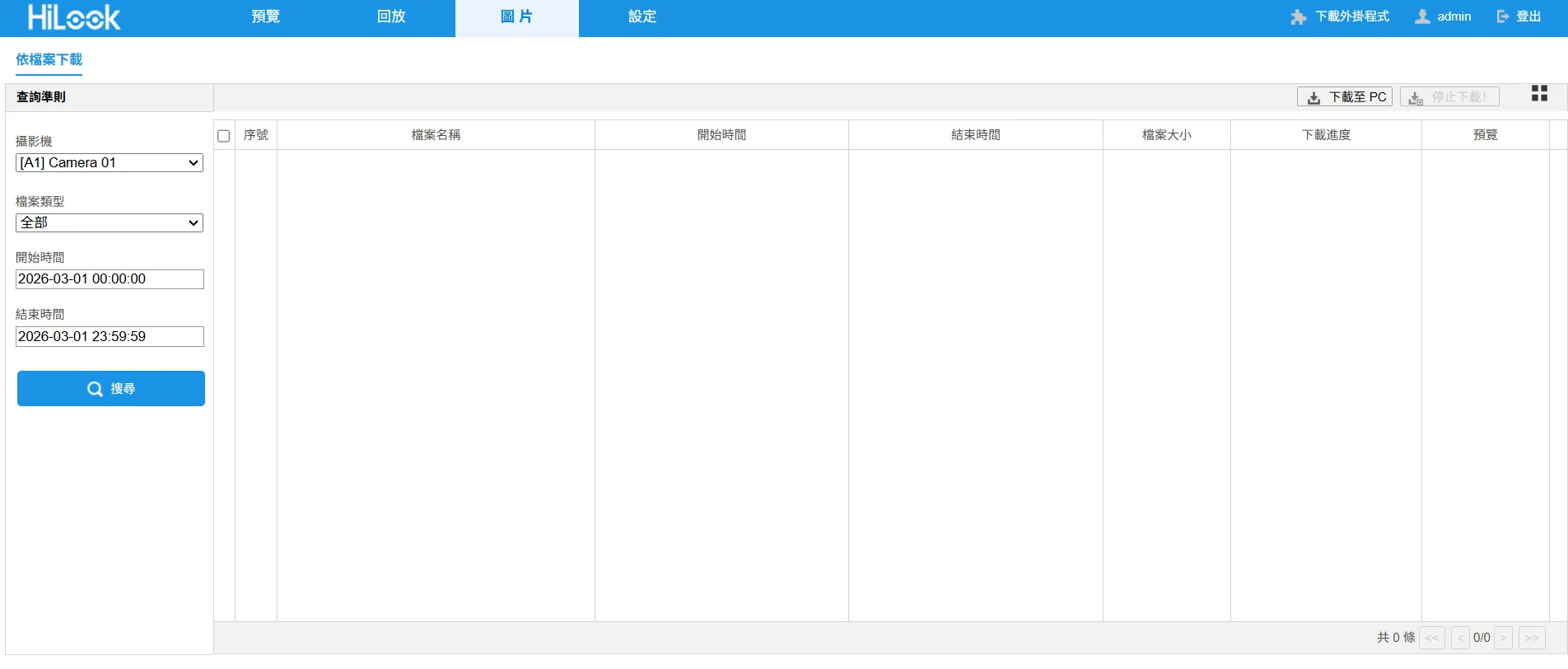
Filter and export recordings quickly.
- Quick backup: filter by channel and time range to find the files you need.
- Flexible export: trim clips and download them to the PC or an external USB drive to preserve evidence.
Screenshots show the Chinese-language build of the software.
Configuration and AI
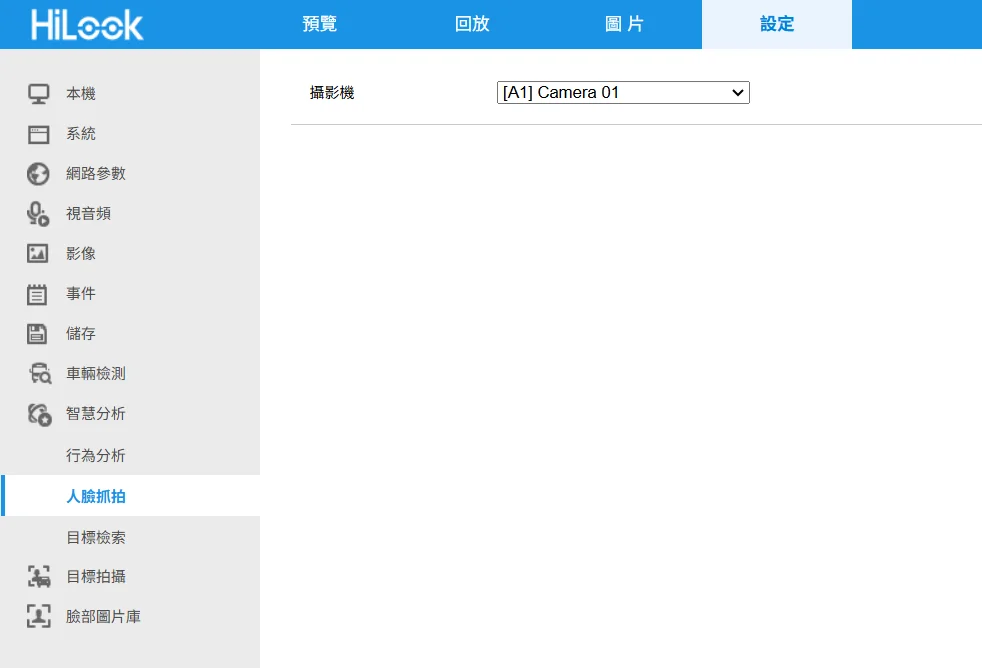
The settings hub for image parameters, networking and the advanced AI features.
- Facial recognition: HiLook recorders have enough processing power to run face analysis even with ordinary cameras attached.
- Perimeter protection: draw virtual boundaries — line crossing, intrusion zones — and get an alert the moment a person or vehicle triggers one.
- Two-way audio: on cameras that support it, talk to the site from the web interface or the app.
Screenshots show the Chinese-language build of the software.
Why use this tool?
- Nothing to install — open a browser and you are managing the system.
- AI on board: ordinary cameras gain facial recognition and human/vehicle classification.
- Four clearly separated modules make the interface easy to learn.
Need more help?
For technical questions or further support, get in touch with our team